
Your Portal Answers. Tickets Never Open.
Deploy GPTfy prompts inside Experience Cloud sites with LWC components for Knowledge article search and AI chat.
Last updated:
80%of customers have switched brands because of poor customer experience, especially in self-service channels (Qualtrics and ServiceNow, 2024)
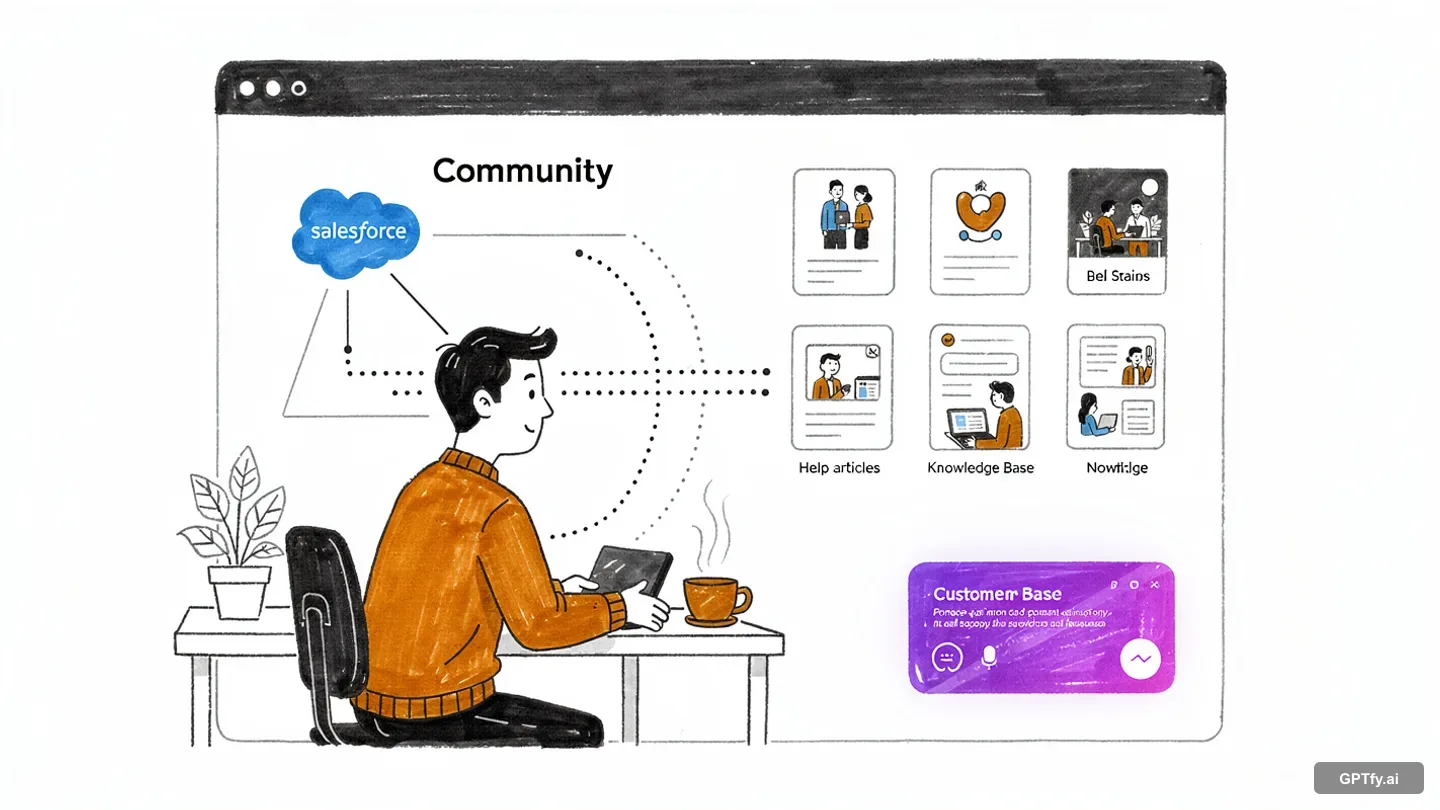
See GPTfy AI running inside Salesforce Experience Cloud sites
Deploy AI prompts in LWC components inside your Experience Cloud site, with Salesforce data as context. 2-minute demo.
Experience Cloud Sites Feel Like Static Brochures
Customers expect AI-powered self-service, but your portal makes them click through documentation trees or submit support tickets for simple questions.
give up on portal search
Customers can't find answers in Knowledge articles because keyword search requires exact phrase matches. They create support tickets instead of self-serving, increasing your case volume.
“GPTfy accurately understands user input and generates high-quality content in the right format.”
- Ankita Dhamgaya, Director and Founder, AlgoCirrus
Ground answers with RAG integrationto find portal documentation
Portal users navigate through category hierarchies and article lists to find information. By the time they find the right page, they've lost context or given up entirely.
“The implementation was smooth and the results exceeded expectations.”
- Rishi Golyan, Salesforce Consultant, Algocirrus
Power your bot with AI assistantcome from portal users
Your Experience Cloud site doesn't provide intelligent assistance outside business hours. International customers create cases overnight because they can't get immediate answers to common questions.
“Really nice App. It does what it claims. Pre-packaged prompts make it easy to use.”
- Shailesh Varshney, Developer, Capgemini Australia
Secure this with PII maskingDrop GPTfy LWC Into Sites
GPTfy Components Deployed Through Experience Builder
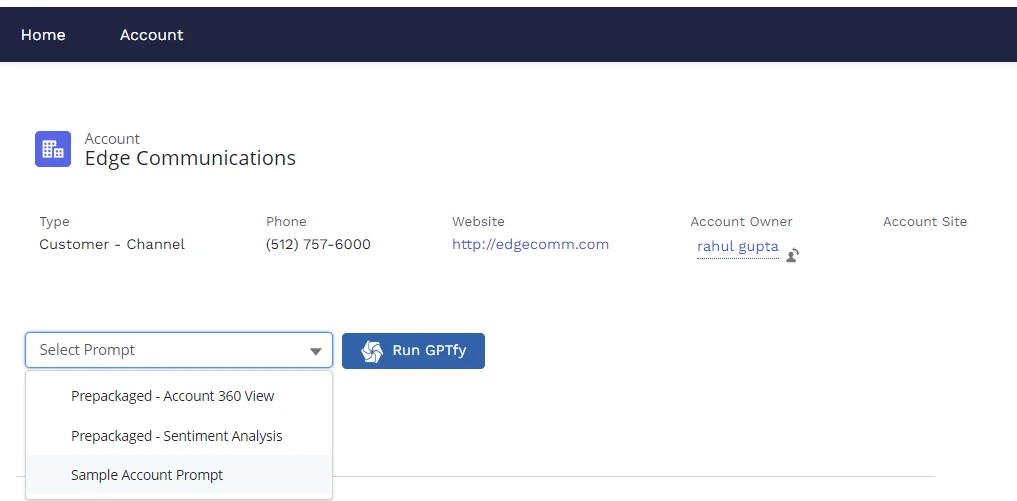
Drop GPTfy LWCs into Experience Builder with no custom development. See the chatbot support demo for a walkthrough.
Centralized Prompt Management via Prompt Builder
Manage all prompts in GPTfy's Prompt Builder . Update once, deploy everywhere across your sites.
RAG-Powered Knowledge Search
AI Retrieves Knowledge Articles Through Vector Search
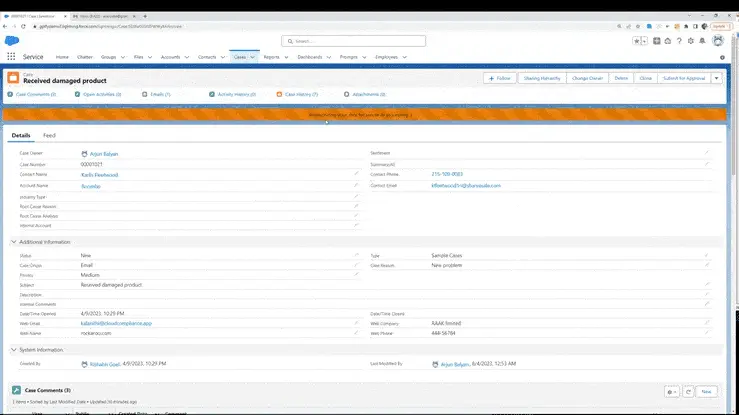
RAG retrieves Knowledge articles via vector search so AI answers cite your verified content, not training data.
User Context in Prompts via Data Context Mapping
AI responses are personalized using each user's profile, entitlements, and account data. Watch the KB article demo ., localVideo:
Track Community AI Usage
AI Response Records Tracked Across Experience Sites
Every AI interaction creates an audit record. Analyze common questions and Knowledge gaps with built-in analytics .
Multilingual AI via Model Selection
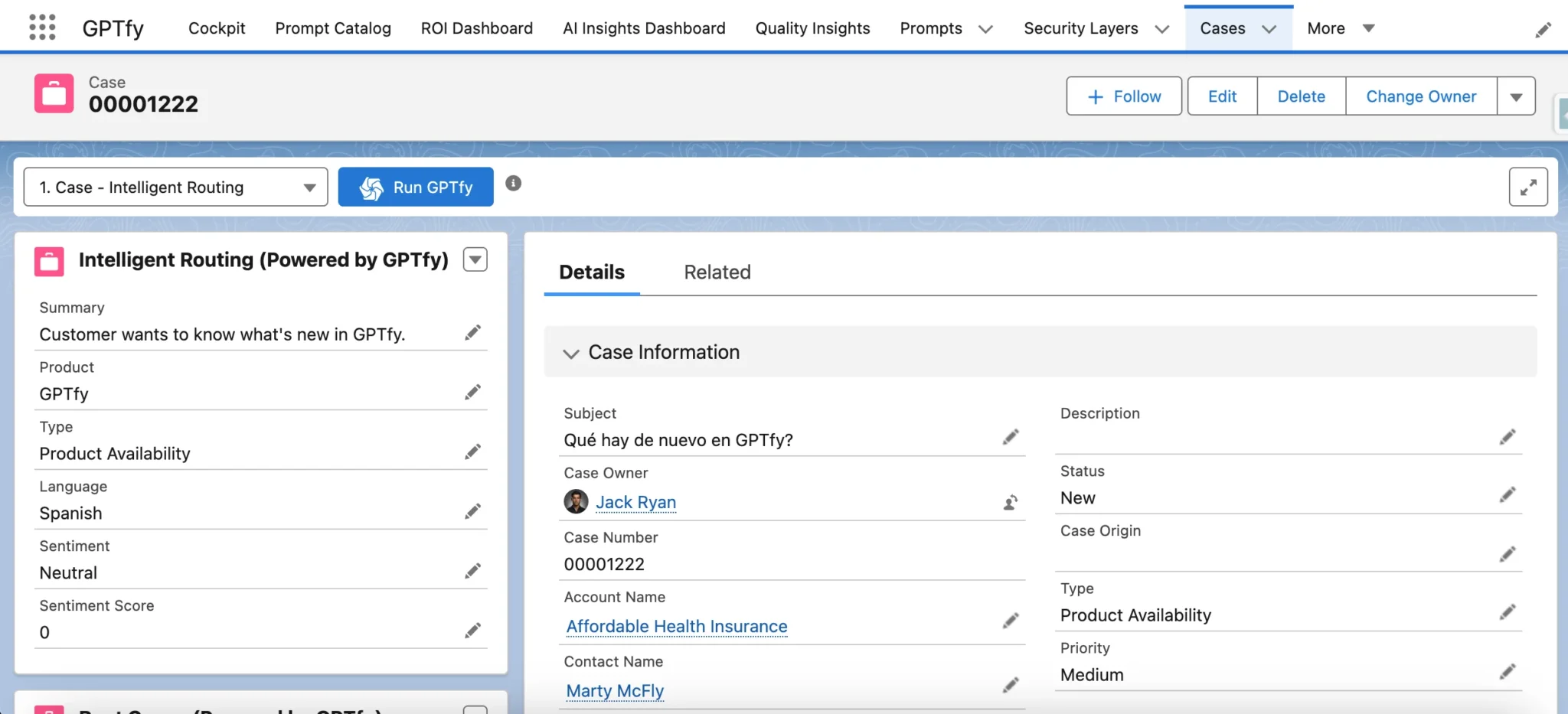
Connect multilingual models via AI Connections . AI understands 95+ languages and responds in each user's language automatically.
Why Choose Experience Cloud AI
Enhanced User Experience
Provide an intuitive, conversational interface that helps users find information and solve problems faster than traditional navigation.
Increased Engagement
Boost community participation with intelligent assistance that encourages interaction through natural language queries and provides immediate, contextual responses.
Support Deflection
Reduce ticket volume with AI-powered self-service via Einstein Chatbot. See the 24/7 support demo.
Powerful Capabilities
Multilingual Support
AI understands and responds in 95+ languages, making your communities accessible to global audiences without additional configuration.
Content-Aware Responses
AI automatically references your knowledge articles, discussions, and other community content to provide accurate and contextual answers.
Role-Based Access
Customize AI capabilities based on community user roles and permissions through the Security Layer, ensuring appropriate information access.
Analytics Dashboard
Track engagement metrics, popular topics, and AI performance with comprehensive analytics tools for continuous improvement.
Key Takeaways
- Drop GPTfy Lightning Web Components into Experience Builder for AI-powered self-service. No custom LWC development.
- RAG retrieves Knowledge articles via vector search so AI responses cite your verified content, not training data.
- Data Context Mapping personalizes responses using each portal user's profile, entitlements, and account data.
- Field-level security from Salesforce permission sets ensures portal users only see AI responses based on entitled data.
- Supports 95+ languages through multilingual AI models connected via Named Credentials.
Frequently Asked Questions
The AI system provides comprehensive multilingual support, understanding and responding in 95+ languages without additional configuration. This makes your communities accessible to global audiences, breaking language barriers and creating more inclusive environments. The system automatically detects the user's language and provides responses in their preferred language while maintaining context and accuracy.
Yes, the system supports role-based access control, allowing you to customize AI capabilities based on community user roles and permissions. Administrators can configure different levels of access and functionality for various user types, ensuring appropriate information access while maintaining security. This is managed through a centralized console where you can set up content policies and monitor usage across all communities.
The AI system enhances community engagement through natural language interactions and personalized assistance. It provides 24/7 intelligent support, handling routine inquiries and escalating complex issues when needed. The system references your knowledge articles, discussions, and community content to deliver contextual help based on user profiles and past interactions, enabling self-service that reduces support ticket volume.
GPTfy's Security Layer applies PII masking before any data in the AI prompt reaches the configured AI model. Field-level security from Salesforce permission sets is enforced, so Experience Cloud users only see AI responses based on data they are entitled to access. Every interaction creates an AI_Response__c audit record, giving your compliance team full visibility into what data was processed and which Knowledge articles were retrieved.
Deployment requires adding GPTfy's pre-built Lightning Web Components to your Experience Cloud site through Experience Builder. No custom LWC development is needed. Administrators configure which prompts are available, set Knowledge article retrieval rules in the RAG configuration, and assign user permissions through GPTfy's Prompt Builder. The entire setup can be completed in hours using point-and-click tools.
GPTfy supports separate prompt configurations and Knowledge retrieval rules per Experience Cloud site. You can define different prompts, grounding rules, and data visibility policies for your customer portal versus your partner portal through the Prompt Builder's profile-based visibility controls. Data Context Mapping includes each user's profile, account relationships, and entitlements, so the AI tailors responses based on whether the user is a customer, partner, or internal stakeholder.
See GPTfy AI Run in Your Experience Cloud Site
We'll add GPTfy's LWC to your Experience Cloud site, configure Knowledge article retrieval via RAG, and show AI responses grounded in your content - all in 30 minutes with your org.
Explore More Features
RAG for Salesforce
Power portal search with vector-based Knowledge retrieval
Security Layer
PII masking for Experience Cloud AI interactions
Demo: 24/7 Chatbot Support
Watch AI-powered chatbot resolve portal queries live
Demo: KB Article Generation
See AI generate Knowledge articles from case data
Einstein Chatbot AI
Enhance Einstein Bot with RAG-powered responses
Prompt Builder
Manage all Experience Cloud prompts from one interface