
Enrich. Transcribe. Render. Has an API? It's In.
1 Apex interface Approach. Easily bring the power of Apollo, ZoomInfo, Snowflake, Databricks, Gong, ElevenLabs, NetSuite, and more in every AI prompt.
Last updated:
22.5%annual decay rate for B2B contact data, compounding every month the AI model relies on stale records (Marketing Sherpa)
Your AI prompts run on half the context
Salesforce holds structured CRM data, but the insights your AI needs live in external APIs - firmographics, billing, usage metrics. Without both, your AI guesses instead of knowing.
Data entry for external enrichment
Teams copy-paste data from external tools into Salesforce fields before every AI prompt. Without GPTfy pulling from APIs automatically, reps waste hours on manual enrichment.
“It enables Salesforce professionals like me to use AI of my choice in a declarative manner. Case summarization, classification, routing, personalized email response generation.”
- Sury Ramamurthy, Technical Architect, Innolake Corporation
Connect your model via BYOM ArchitectureFrom external systems in AI responses
AI prompts only see what Salesforce stores. Firmographic data, billing status, and usage metrics from external APIs never reach the prompt - so AI responses miss the full picture.
“Liked the easy and click/no-code way to configure GPT LLMs on any Salesforce object and go-live in days.”
- Gurditta Garg, Chief Salesforce Evangelist, Motorola
Build prompts with Prompt BuilderWhen AI has full context from APIs
When external data enriches every prompt, AI responses improve from generic guesses to data-grounded recommendations. Every API call logged with audit trails through Named Credentials.
“Found the deployment to be easy. Just took me 10 minutes. Pre-configured prompts and the complimentary Open AI connection helped me test this App quick.”
- Salman Khan, Release Manager, IBM
Secure this with Salesforce Named CredentialsDevelopers, Connect Any REST API
Custom Apex Connector via AIDataSourceInterface
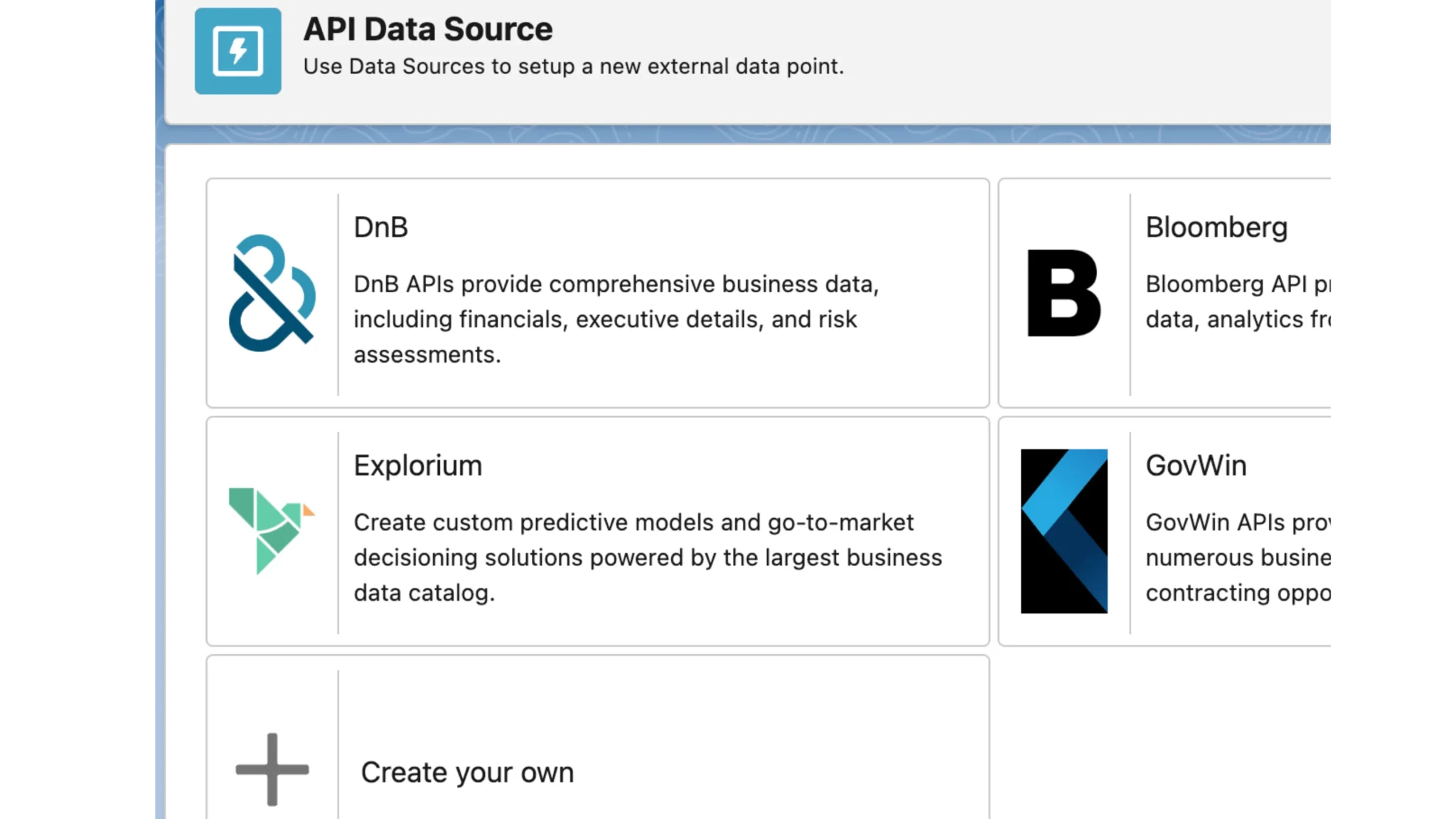
Plug in any REST API with one Apex interface. See a live example in the Snowflake connector demo .
Named Credential–Based Authentication
Secure API calls via Named Credentials with no hard-coded secrets. Same framework powering BYOM AI Connections .
Business Analysts, Enrich Customer Data
Enhanced Segmentation Through External Data
Enrich accounts with external engagement data so AI flags churn risk. Watch the Snowflake RAG demo .
Dynamic KPI Dashboards via ERP API Integration
Fuse ERP metrics into Salesforce analytics; GPTfy generates narrative summaries. See the external datasource walkthrough .
IT Teams, Ensure Security and Scale
Future-Proof Architecture with Named Credentials
Onboard new API integrations rapidly using the same framework with no new code patterns. See the Snowflake setup demo .
Centralized Governance Within Salesforce Security Model
All external connections governed by Salesforce security. Audit logs and PII-scrubbing enforced on every callout.
Why Choose API Data Sources
Declarative Context Mapping
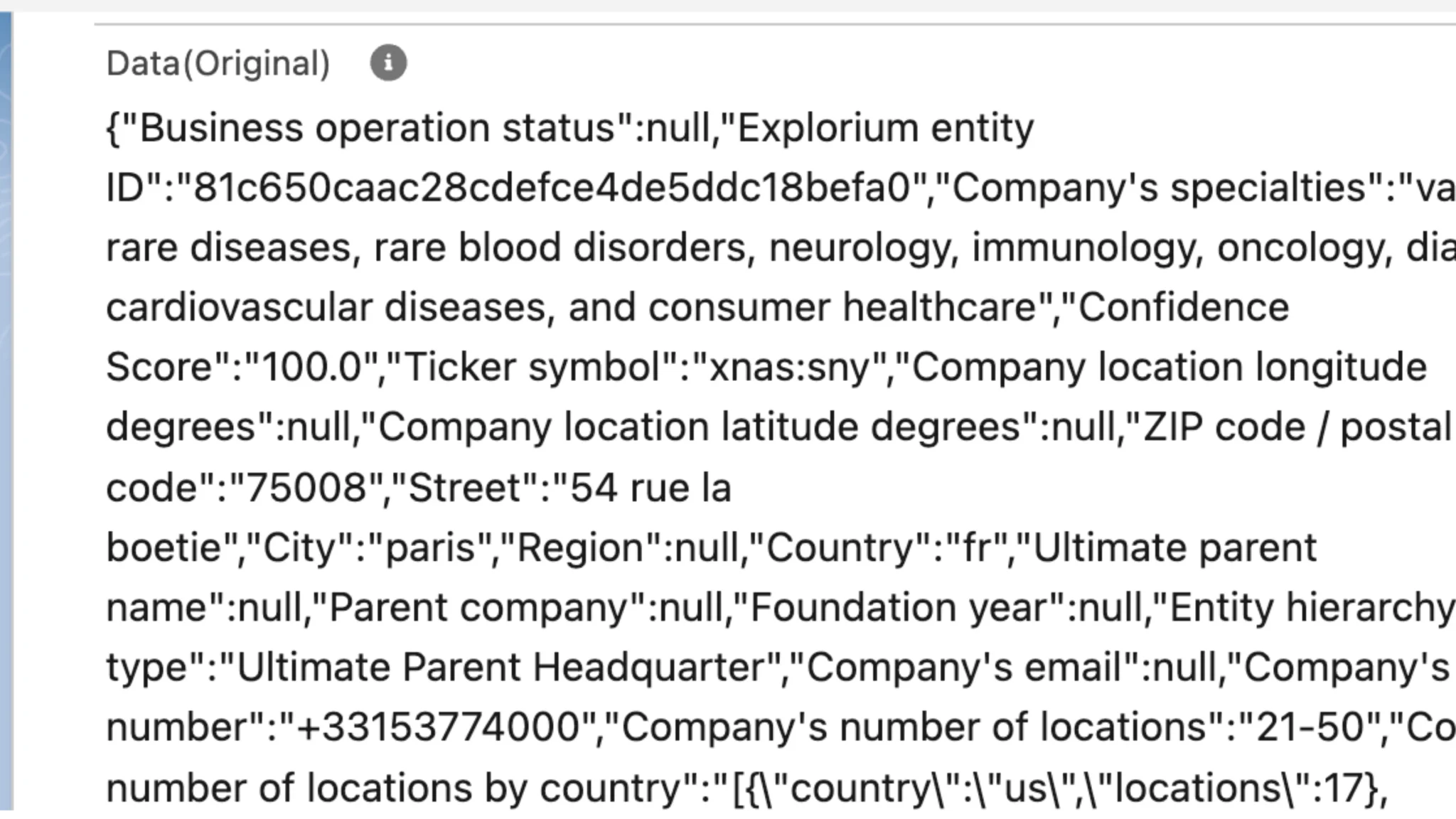
Map Salesforce object fields to your connector through a simple UI. GPTfy automatically extracts fields, feeds them to your connector, and includes the enriched output in the AI payload.
Full Cockpit Integration
Set up Named Credentials, register Apex connectors, activate Data Sources, and map fields entirely through the GPTfy Cockpit - no external middleware required.
Built-In Security & Audit Trails
Every API Data Source call is logged with before/after JSON in a security-audit record, meeting compliance requirements out of the box. See Audit Trails for details.
Powerful Capabilities
Hyper-Personalized Outreach
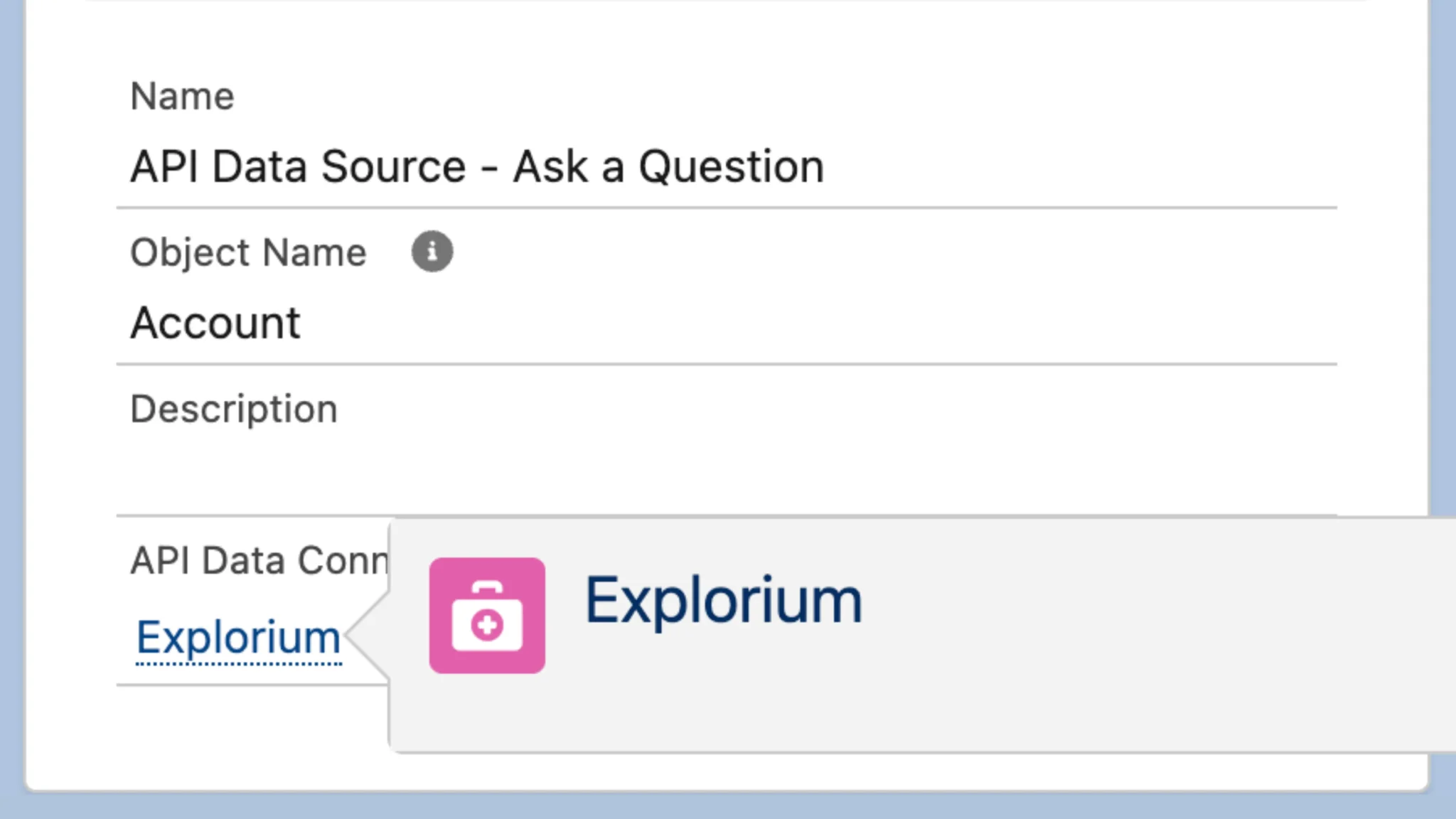
Enrich Account records with firmographic data from Explorium or similar APIs to craft outreach messages referencing the prospect's exact market segment.
Next-Best-Action Recommendations
Combine usage data with CRM history to have AI suggest upsell or renewal offers at the optimal time - e.g., when usage exceeds license tiers.
Accurate Revenue Forecasting
Leaders get a live view of booked vs. billed revenue with enriched data from billing APIs. AI-driven insights enable smarter cash-flow management.
Data-Driven GTM Alignment
Correlate marketing engagement metrics with opportunity progression to validate channel ROI, ensuring budgets are allocated to effective campaigns.
Key Takeaways
- Implement ccai.AIDataSourceInterface to plug any REST API into GPTfy's prompt execution pipeline with one Apex class.
- Named Credentials handle API authentication declaratively. No hard-coded secrets in your connector code.
- Data Context Mapping maps Salesforce fields to your connector through the GPTfy Cockpit UI without custom development.
- Every API Data Source call is logged with before/after JSON in security-audit records for compliance reporting.
- Supports any OIDC or OAuth-secured REST API including firmographics, billing, usage analytics, and internal BI endpoints.
Frequently Asked Questions
The API data integration is highly secure, using Salesforce's Named Credentials for authentication and eliminating hard-coded secrets. All API calls are logged with before/after JSON in security-audit records, ensuring compliance requirements are met out of the box. The system also supports PII-scrubbing and maintains data residency requirements through centralized governance within Salesforce's security model.
The system supports integration with any OIDC or OAuth-secured REST API, including firmographics services, demographic data providers, internal BI endpoints, and more. Through the custom Apex connector interface, you can easily plug in any REST-based API, deserialize Salesforce context, and merge returned JSON for AI processing. This flexibility allows you to enrich your Salesforce data with insights from virtually any external source.
Declarative context mapping allows you to map Salesforce object fields to your connector through a simple UI in the GPTfy Cockpit. The system automatically extracts the mapped fields, feeds them to your connector, and includes the enriched output in the AI payload. This eliminates the need for custom code and provides a user-friendly way to configure data enrichment workflows without technical expertise. See the Snowflake API data source demo at /resources/demo/snowflake-api-data-source for a walkthrough.
Named Credentials provide several key benefits: they eliminate hard-coded secrets from your code, offer declarative authentication management, and work natively with Salesforce's security model. This approach ensures that API credentials are stored securely, can be easily rotated, and provide centralized governance for all external API connections. It also simplifies the development process by handling authentication automatically.
Yes. GPTfy supports batch Apex execution for API Data Source enrichment, so you can schedule nightly or weekly jobs that enrich records across your entire org. For example, you can run a batch job that enriches all Accounts with firmographic data from an external API, then feed that enriched context into AI prompts for account scoring. Each enrichment call is logged with audit records for compliance.
Create an Apex class implementing the ccai.AIDataSourceInterface. The interface receives the Salesforce record context as JSON, makes the REST callout to your external API using Named Credentials, and returns the enriched JSON payload. Register the connector in the GPTfy Cockpit, map Salesforce fields to connector parameters through the Data Context Mapping UI, and activate the Data Source. No middleware or external infrastructure is required.
AI with Context. Decisions with Confidence.
See how GPTfy's API Data Source enhances your Salesforce data with external insights in just 30 minutes. We'll demonstrate implementation tailored to your business needs.
Explore More Features
Snowflake Integration
Connect Snowflake data warehouse to Salesforce AI
External Objects
AI-powered external object integration
Grok AI in Salesforce
Real-time social intelligence from xAI enriching Salesforce records.
Perplexity in Salesforce
Real-time web intelligence with source citations via Perplexity AI.
Snowflake API Demo
Watch how to connect Snowflake as an API data source in GPTfy
Snowflake RAG Demo
See RAG-powered AI responses grounded in Snowflake warehouse data