
Connect Agentforce Employee Agent to Microsoft Teams
Employee Agent runs in Salesforce, Slack, or mobile. GPTfy in Teams is listed on Microsoft AppSource. That is not AppExchange.
13apps the average US employee switches between, 30 times per day (Asana Anatomy of Work, 2021)
1,200app toggles per day (HBR, 2022)
- ✓Listed on Microsoft AppSource
- ✓AppSource is not AppExchange
- ✓GPTfy does not wrap Employee Agent

“I see the biggest opportunity in Copilot speaking to Salesforce”
Mario DiMercurio
How do I connect Agentforce Employee Agent to Microsoft Teams?
Employee Agent documented surfaces
- Slack for Sales is the first-party Agentforce chat surface.
- Agentforce IT Service has a documented Teams path. That is not generic Employee Agent. Agentforce can do Teams for IT Service.
- Generic Employee Agent in Teams is Agent API or an AppExchange partner.
GPTfy AppSource path
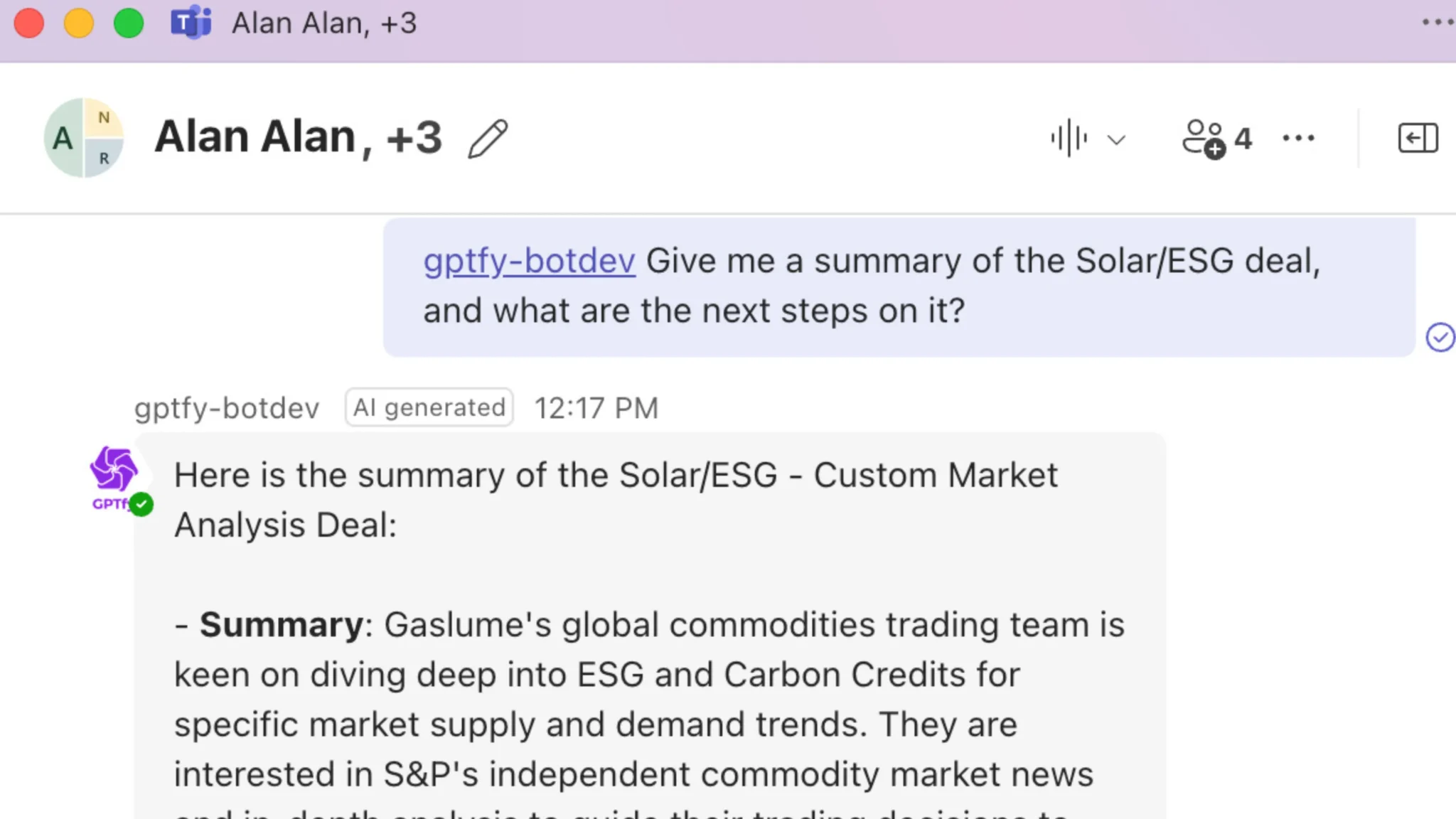
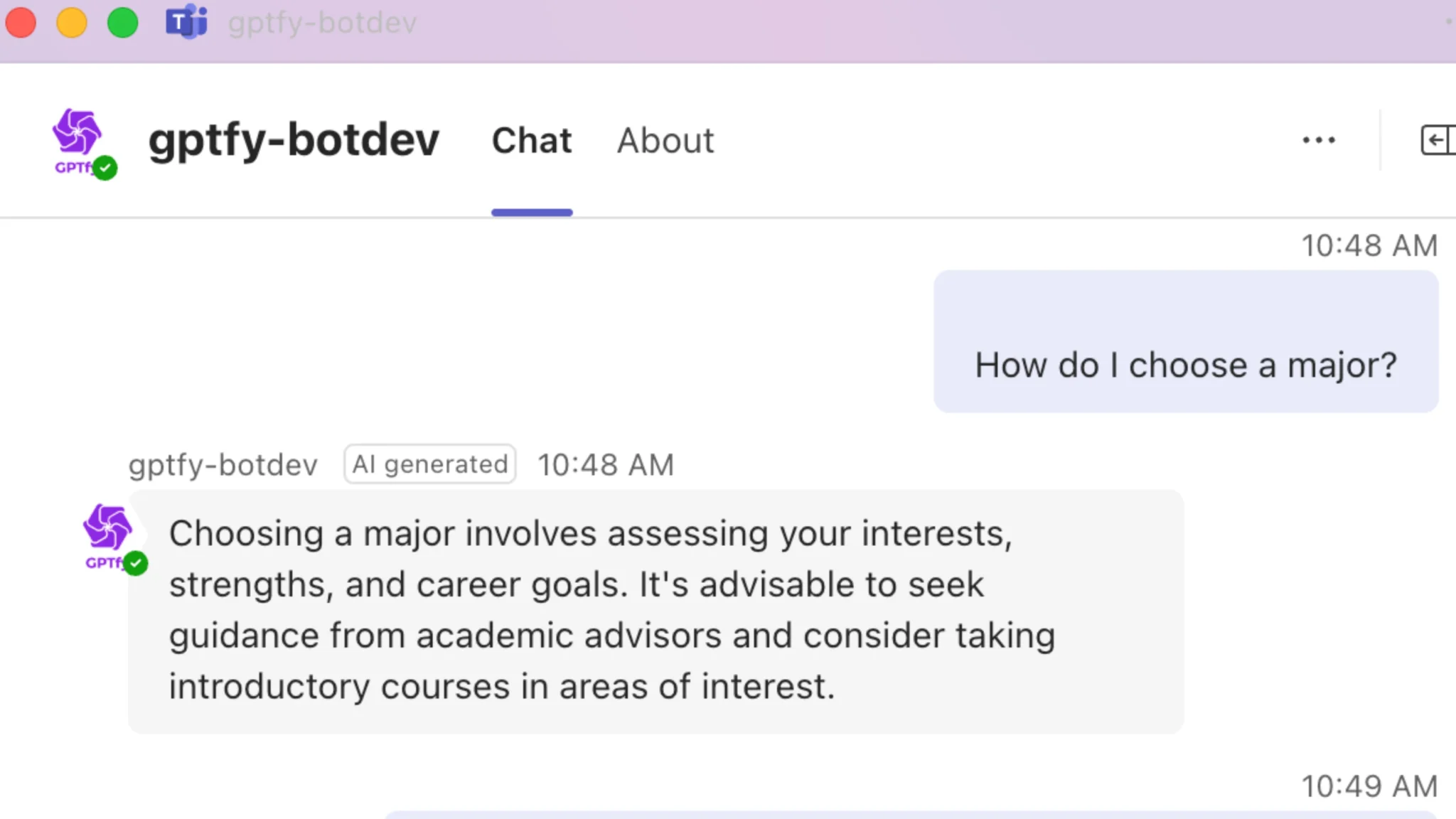
Employee Agent versus GPTfy
Side-by-side
- Vendor: Employee Agent is Agentforce. GPTfy is GPTfy.
- Where Salesforce documents it: Employee Agent in Salesforce, Slack, or mobile. Teams is not on that list. GPTfy is listed on Microsoft AppSource.
- Identity: Employee Agent runs as the signed-in employee, with that user's Salesforce permissions. GPTfy uses Entra/Salesforce profile.
- Slack license note: Slack no-extra-license is Trailhead for Employee Agent in Slack. Not applicable for GPTfy; that Trailhead note is for Employee Agent in Slack.
- Marketplace: Employee Agent is not AppSource. An AppExchange partner is one generic-Teams option. GPTfy is listed on Microsoft AppSource. Not AppExchange.
- Masking: Agentforce Trust Layer masking disabled. Employee Agent is not masked. GPTfy has 4-layer masking on the BYOM path.
- Pricing model: Employee Agent consumes Flex Credits. GPTfy is fixed per-user/month, unlimited prompts, no consumption meter.
Does GPTfy wrap Employee Agent?
Listed on Microsoft AppSource
Does Agentforce Trust Layer mask Employee Agent?
AppSource is not AppExchange
Complete Microsoft Office Suite Access



Why Leading Organizations Choose GPTfy
Listed on Microsoft AppSource
Listed on Microsoft AppSource. That is not AppExchange. GPTfy does not wrap Employee Agent.
Instant AI Answers
Chat directly with the GPTfy bot in Teams to get instant, accurate answers from your Salesforce data and support documentation.
4-layer masking on the BYOM path
Employee Agent is not masked. Agentforce Trust Layer masking is disabled. GPTfy 4-layer masks on the BYOM path.
Key Takeaways
- Employee Agent runs in Salesforce, Slack, or mobile. Teams is not on that Salesforce list.
- Generic Employee Agent in Teams is Agent API or an AppExchange partner. GPTfy does not wrap Employee Agent.
- GPTfy is listed on Microsoft AppSource. AppSource is not AppExchange.
- Employee Agent is not masked. Agentforce Trust Layer masking is disabled. GPTfy 4-layer masks on the BYOM path.
- Fixed per-user/month, unlimited prompts, no consumption meter versus Flex Credits.
Frequently Asked Questions
Employee Agent runs as the signed-in employee in Salesforce, Slack, or mobile. Teams is not on that Salesforce list. Generic Employee Agent in Teams is Agent API or an AppExchange partner. GPTfy does not wrap Employee Agent. GPTfy is listed on Microsoft AppSource.
Yes. Agentforce IT Service has a documented Teams path. That is not generic Employee Agent.
No. GPTfy is listed on Microsoft AppSource.
This page does not claim that. GPTfy is listed on Microsoft AppSource and queries Salesforce under the signed-in identity model documented above.
No. Employee Agent is not masked. Agentforce Trust Layer masking is disabled. GPTfy 4-layer masks on the BYOM path.
Ready to Accelerate Your Team Collaboration?
Book a 30-minute demo and we'll show you how to access Salesforce data directly in Microsoft Teams.
Explore More Microsoft Solutions
All Microsoft Solutions
GPTfy's full suite of Microsoft integrations: Word, Excel, PowerPoint, Copilot.
Microsoft Copilot Integration
Deliver complete Salesforce context inside Copilot across all M365 apps.
Excel Integration
Generate pipeline forecasts and reports from live Salesforce data.
PowerPoint Integration
Create QBR decks and presentations from live Salesforce data.
Outlook Email Sync
Capture every Outlook email and calendar event into Salesforce automatically.
Demo: Copilot Documents
Watch real-time document generation with Salesforce data