
Create PitchDecks in PowerPoint.
Transform PowerPoint into your presentation command center using our Microsoft Copilot agent. Generate presentations, reports, and visualizations with real-time Salesforce data.
68%of sales professionals say note-taking and data input are their most time-consuming tasks (Salesforce State of Sales, 2024)
- ✓Microsoft AppSource Certified
- ✓$5/user/month for entire Office suite
- ✓No manual data entry or design work
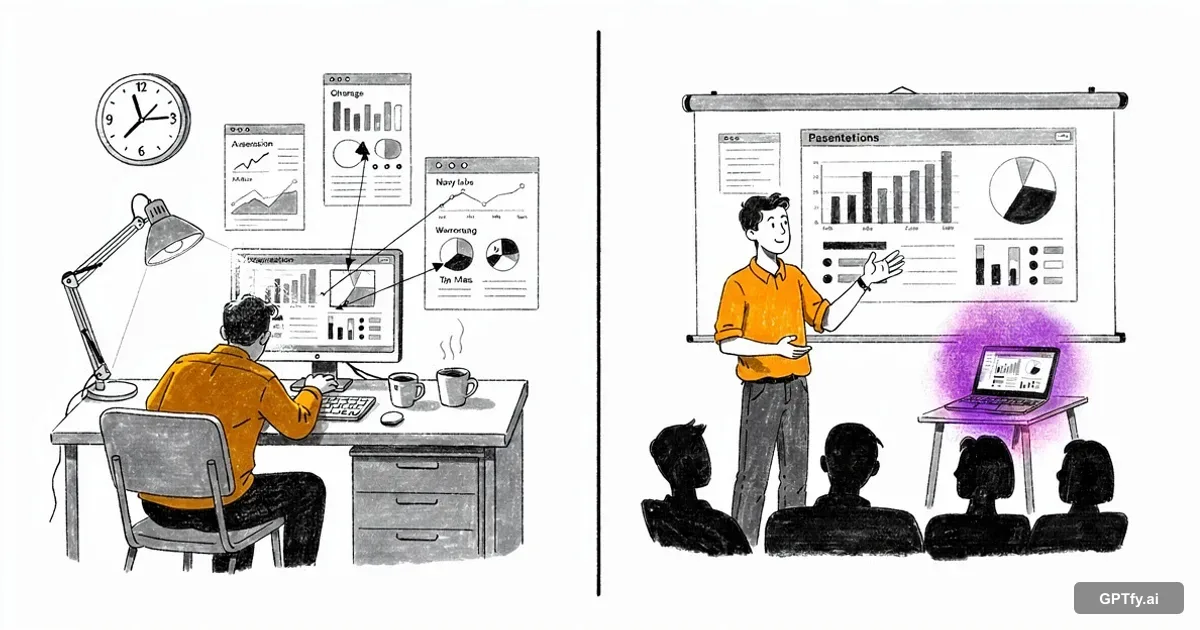
Your team builds slides. Not strategies.
Reps spend hours assembling decks from stale screenshots while pipeline decisions wait. The presentation bottleneck costs more than time.
Per week building QBR decks manually
Reps screenshot dashboards, paste into slides, then retype numbers into charts. By the time the deck is finished, the data is already outdated and the meeting is tomorrow.
“It takes them 8 minutes to enter an order. With this, it now takes 2. It's time saved. I think that's where the ROI is in my head.”
- Technical Architect, Fortune 500 Manufacturing
Build prompts with Prompt BuilderAverage age of data in executive slides
Pipeline moves between Monday's export and Thursday's board meeting. Leaders make decisions on numbers that no longer reflect reality because no one has time to refresh every slide.
“GPTfy accurately understands user input and generates high-quality content in the right format.”
- Ankita Dhamgaya, Director and Founder, AlgoCirrus
Connect your model via BYOM ArchitectureOf the same deck floating across your org
Every rep builds slides from scratch with different fonts, chart styles, and layouts. Marketing can't enforce branding when decks are assembled ad hoc from personal templates and old files.
“Liked the easy and click/no-code way to configure GPT LLMs on any Salesforce object and go-live in days.”
- Gurditta Garg, Chief Salesforce Evangelist, Motorola
Secure this with Security LayerThe Problem: QBR Decks Take Hours of Screenshot-Pasting
Every Presentation Starts With Manual Data Assembly
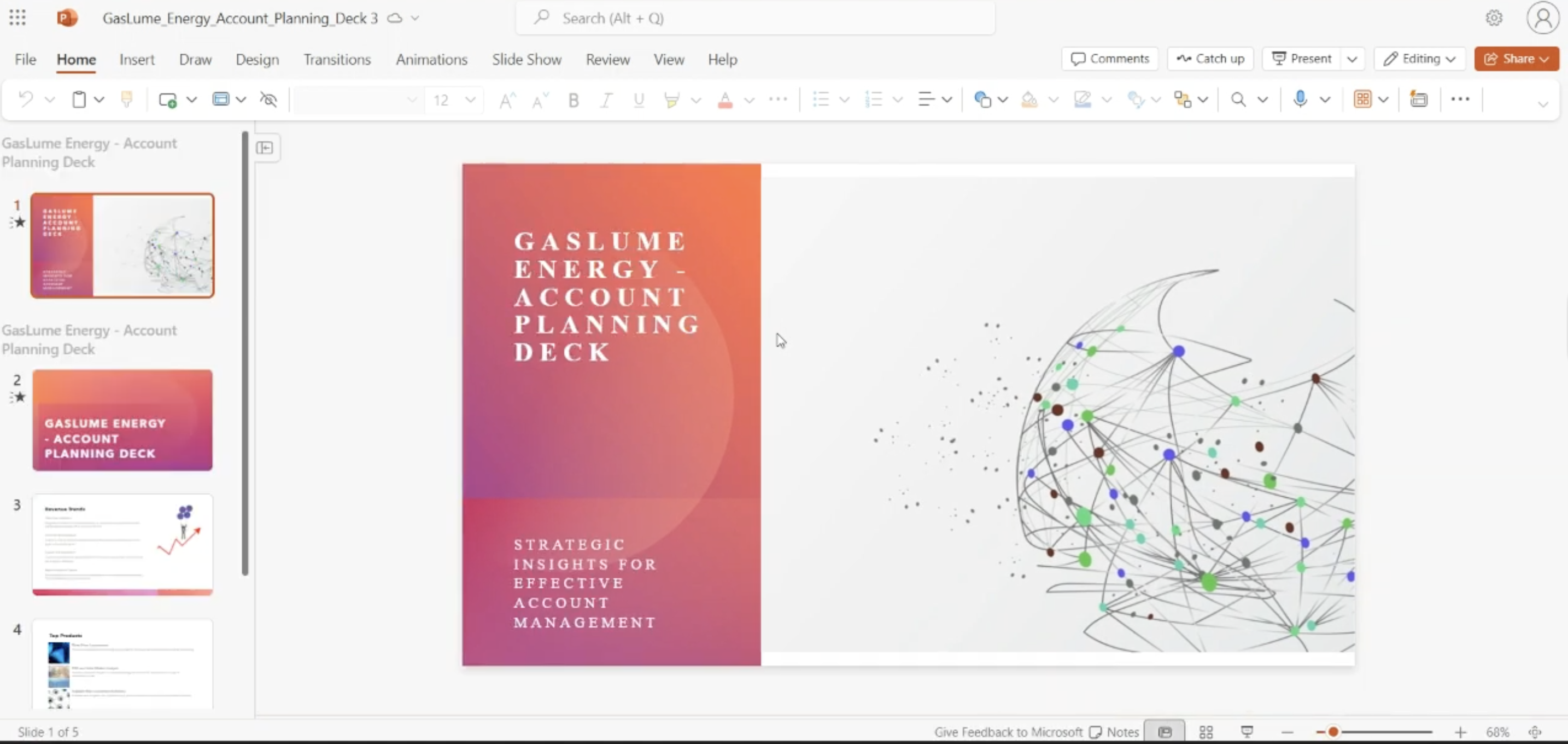
Data is stale before the meeting starts. GPTfy pulls live Salesforce data into PowerPoint. Watch the PowerPoint Copilot demo .
Brand-Consistent Decks Require Design Skills Most Reps Lack
Prompt Builder generates polished, branded slides from Salesforce data. See deal coaching decks.
Service Leaders, Enhance Reporting
Customer Success Dashboards
Build customer health presentations with live Salesforce data through Copilot. Watch the full PowerPoint demo .
Executive Reporting Automation
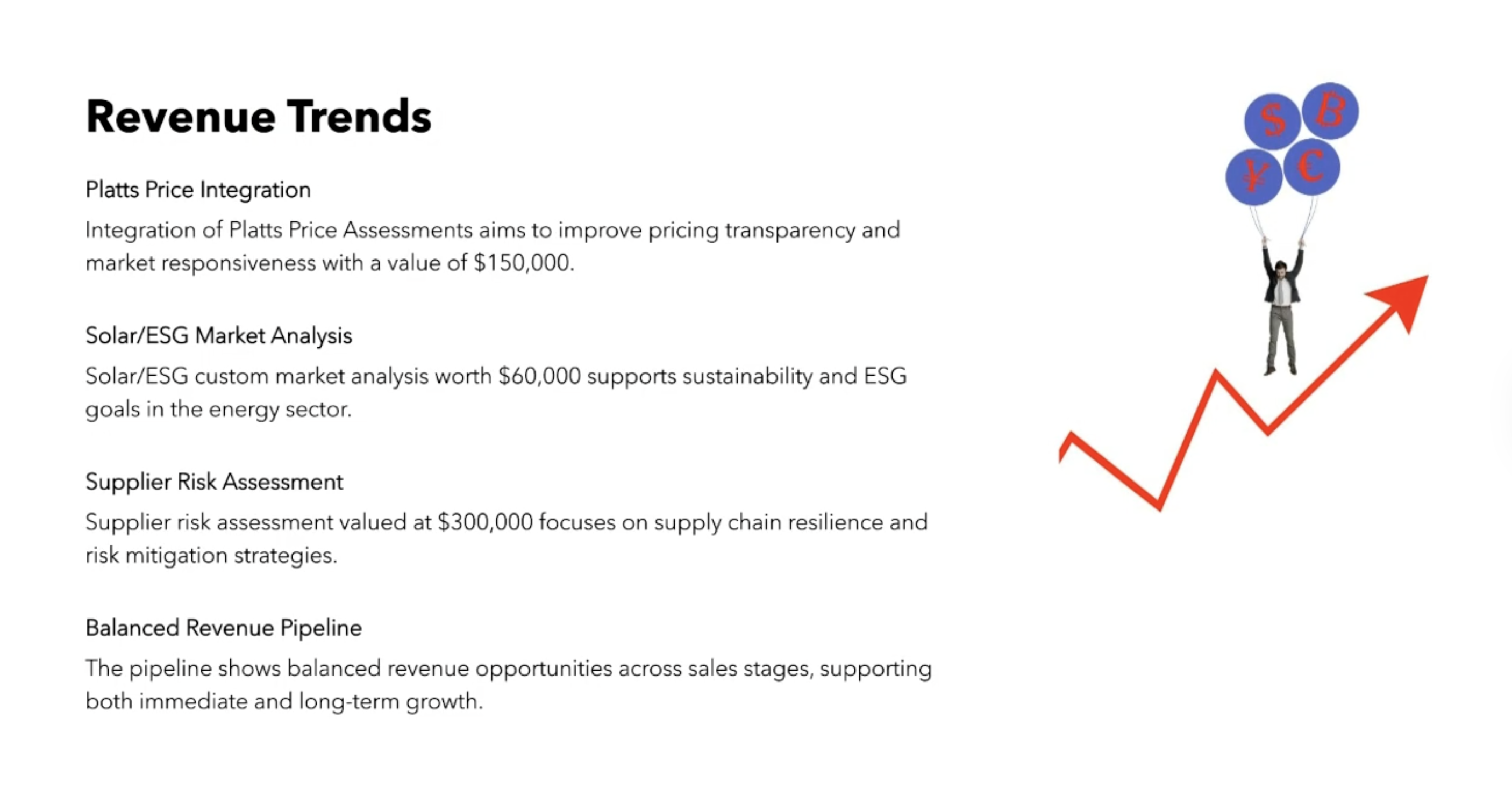
Prompt Builder generates executive presentations with automated Salesforce data updates through Copilot.
Technical Directors, Secure Your Integration
Microsoft-Approved Security
GPTfy's Security Layer masks data before any AI model sees it. Full audit trails on every request.
Native Salesforce Architecture
Every request routes through zero-trust architecture with Named Credentials. Field-level access stays intact.
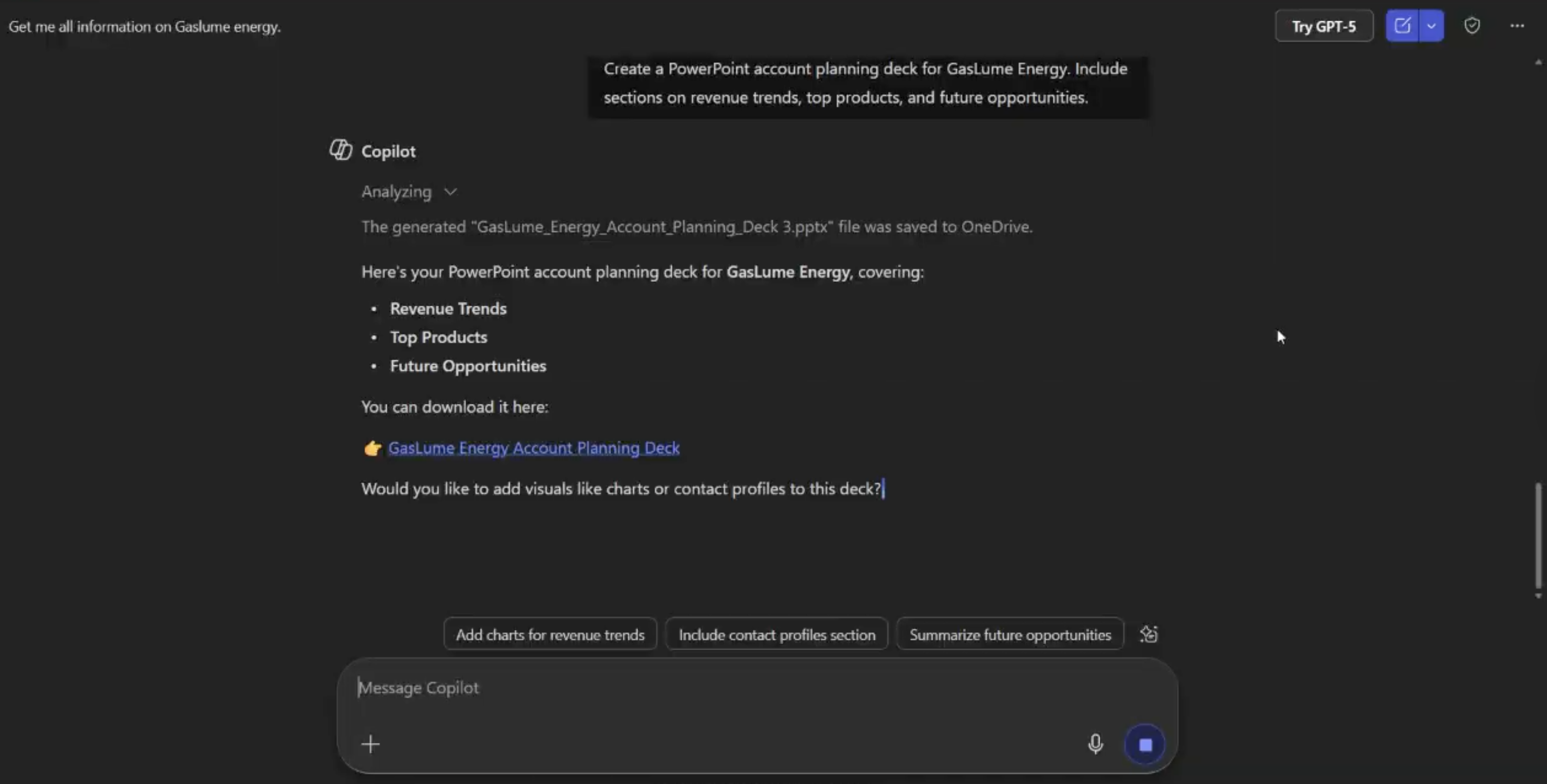
Complete Microsoft Office Suite Access
Your $5/user/month investment includes our Microsoft Copilot agent across Excel, PowerPoint, Word, Outlook, and Teams.




Why Leading Organizations Choose GPTfy
80% Manual Work Reduced
Eliminate manual presentation creation and data visualization, saving 25+ hours per analyst monthly through automated Salesforce-PowerPoint sync.
95% Faster Presentation Creation
Generate professional presentations with live Salesforce data, charts, and visualizations through Microsoft Copilot in minutes instead of hours.
100% Microsoft Certified
Deploy confidently with Microsoft AppSource certification and production-ready security standards built into our Copilot agent.
See GPTfy build Salesforce-powered presentations inside PowerPoint
Pipeline reports, account analyses, and forecast visualizations, generated from CRM data in real time. 2-minute demo.
Key Takeaways
- Microsoft AppSource-certified Copilot agent generates slides from live Salesforce Opportunity and Forecast data
- Prompt Builder defines presentation templates per team; sales QBRs, service health reports, executive reviews
- Security Layer masks sensitive deal margins and PII before any data reaches the AI model
- Named Credentials authenticate every PowerPoint data request against your Salesforce org boundary
- Profile-based visibility controls ensure each team accesses only their relevant slide templates and data sets
Frequently Asked Questions
GPTfy provides native Salesforce data access within Microsoft PowerPoint through our secured Microsoft Copilot agent, available from Microsoft AppSource. Prompt Builder pulls the right fields from Opportunities, Accounts, and Forecasts, while Prompt Builder shapes each slide's narrative. Generate presentations, create data visualizations, and build executive reports directly in PowerPoint without manual data entry or design work.
Yes, our integration is secured because it's a Microsoft-approved Copilot agent with direct certification from Microsoft AppSource. Your data stays within the Microsoft-Salesforce ecosystem with production-ready security, Named Credentials authentication, and complete audit trails.
Implementation typically takes hours, not weeks. Organization administrators can deploy our Microsoft Copilot agent directly from AppSource through guided setup with your existing Microsoft authentication.
GPTfy's Prompt Builder pulls live Opportunity, Account, and Forecast data directly from Salesforce into PowerPoint through the Copilot agent. Instead of screenshotting dashboards, the AI generates formatted slides with up-to-the-minute numbers, pipeline charts, and deal summaries. If the pipeline changes between creation and your meeting, you can regenerate slides in seconds to reflect current data.
GPTfy's Security Layer enforces field-level masking and Named Credentials authentication on every data request from PowerPoint. Sensitive fields like deal margins or customer PII are masked before reaching the AI model, and complete audit trails are captured in AI_Response__c records. Unlike CSV exports that lose all access controls, data accessed through the Copilot agent remains governed by your Salesforce security policies.
GPTfy's Prompt Builder supports multiple presentation templates configured by team or use case. Sales teams can have QBR deck templates pulling pipeline data, while service teams use customer health report templates pulling Case and CSAT metrics. Profile-based visibility controls ensure each team sees only their relevant templates, and Prompt Builder is configured per template to pull the exact Salesforce fields needed for each slide type.
Book a Demo
Book a 30-minute demo and we'll show you how to generate presentations in PowerPoint with live Salesforce data through GPTfy's Copilot agent.
Explore More Microsoft Solutions
Microsoft Copilot Integration
Deliver complete Salesforce context inside Copilot across all M365 apps.
Teams + Salesforce Integration
Surface Salesforce data in Teams channels for the whole org.
Excel Integration
Generate pipeline forecasts in Excel from live Salesforce data.
Word Integration
Build proposals and contracts in Word from Salesforce records.
Outlook Email Sync
Capture every Outlook email and calendar event into Salesforce automatically.
Demo: Copilot in PowerPoint
Watch QBR deck generation from live Salesforce data